

Switch without losing your customers’ points
Your customers hold points in whatever app you use now. Kelby moves those balances and tiers across in one step, so no one has to start over.
- amy@·····.com1,200Gold
- ben@·····.com640Silver
- cara@·····.com3,050Gold
- devi@·····.com180Bronze
- amy@·····.com1,200Gold
- ben@·····.com640Silver
- cara@·····.com3,050Gold
- devi@·····.com180Bronze
How the migration works
You can make the switch without a developer.
- 1
Export your members
Export your members from your current app as a CSV with their email, points balance, and tier.
- 2
Paste and preview
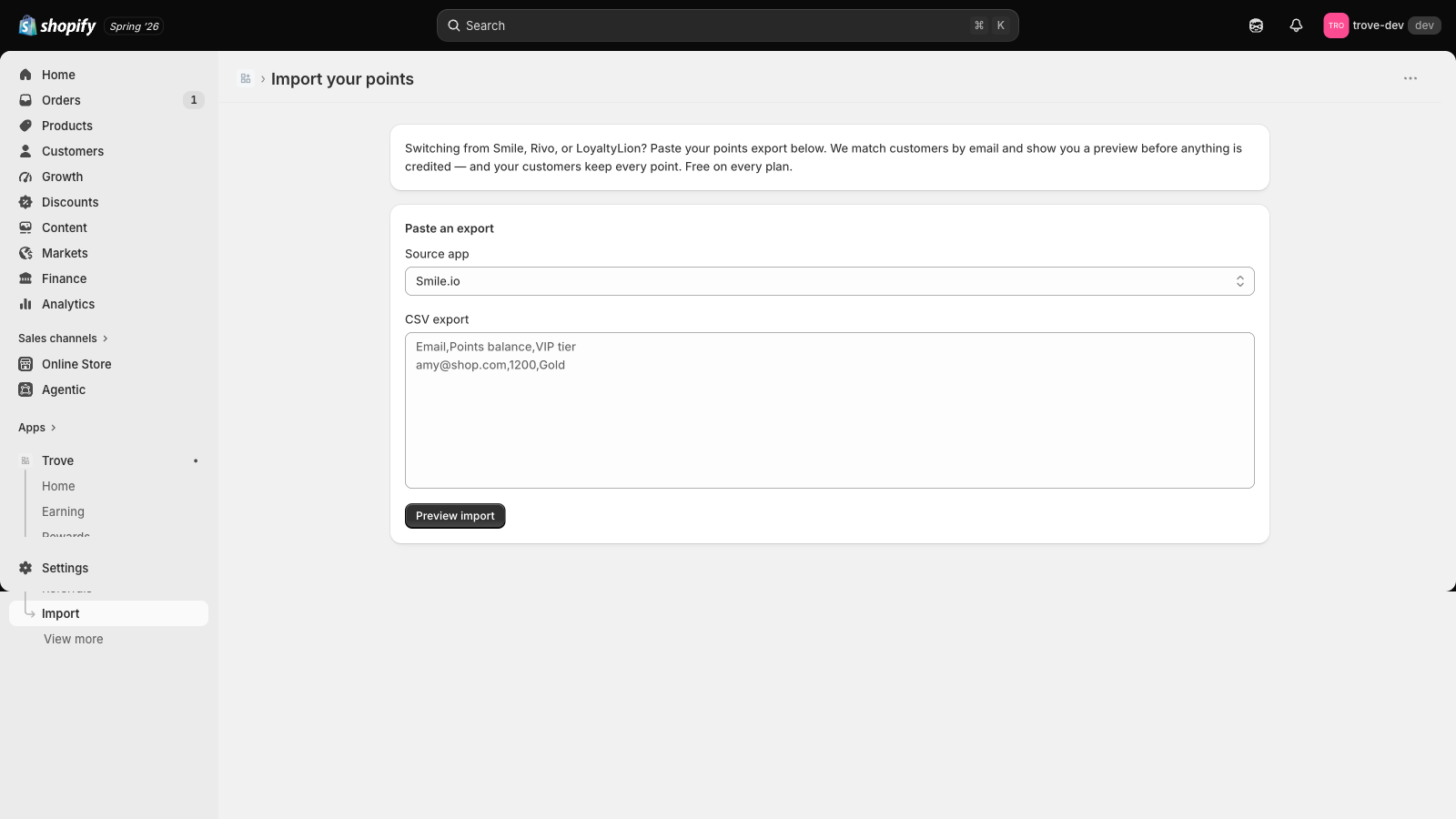
Paste the file into Kelby. It matches customers by email and shows what each person will get before you commit.
- 3
Go live
Confirm the import. Balances and tiers appear in Kelby. Running it again won’t credit anyone twice.
Preview before anything changes
Kelby shows you the matched rows first. Nothing is credited until you confirm.
It won’t double-credit
The import uses the same ledger as the live program. A repeat run reconciles the numbers and never stacks them.
Matched by email
Balances go to the right customer. Anyone Kelby can’t match shows up in the preview.
Free on every plan
The importer is never behind a paywall. Switching shouldn’t cost you your customers’ points.
Migration questions
Which apps can I import from?
Will my customers lose their points?
What if I run the import twice?
Does migration cost anything?
What about customers who do not match?
Bring your points with you
Install Kelby, run the import, and your customers keep the points they earned. It is free.